
Basic steps on how to uninstall a program in your computer
Uninstalling programs in your computer is an easy task. Removing unnecessary programs is a very important habit that every computer users should practice. Uninstalling programs can free up from your storage, it can make your computer a little faster, and you get to get rid of unwanted programs.
Here’s a quick guide on how to uninstall a program:
ON WINDOWS:
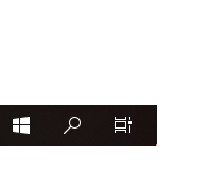
- Click on Start menu
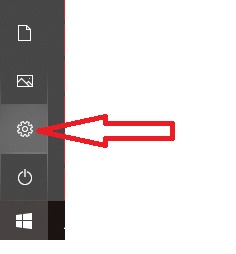
2. Click on Settings
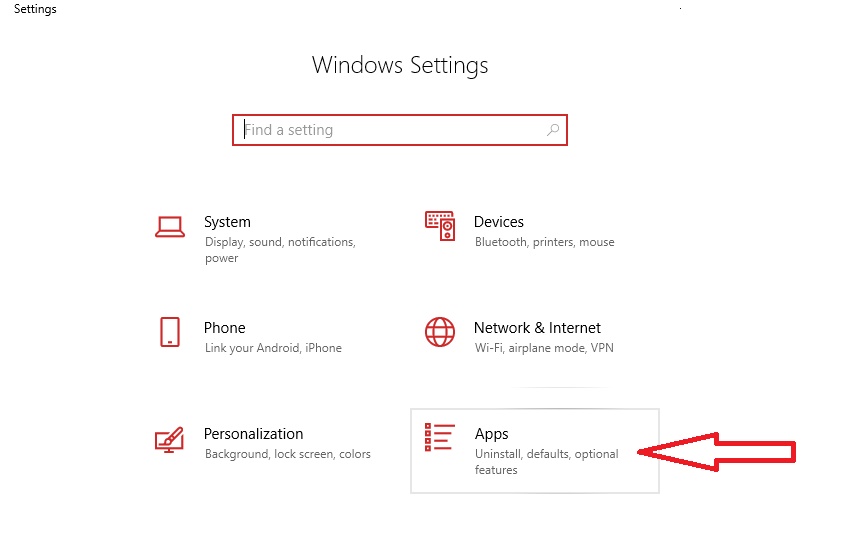
3. Scroll and open App
4. Scroll and look for the program that you wish to uninstall or simply type-in the name of the program on the search box.
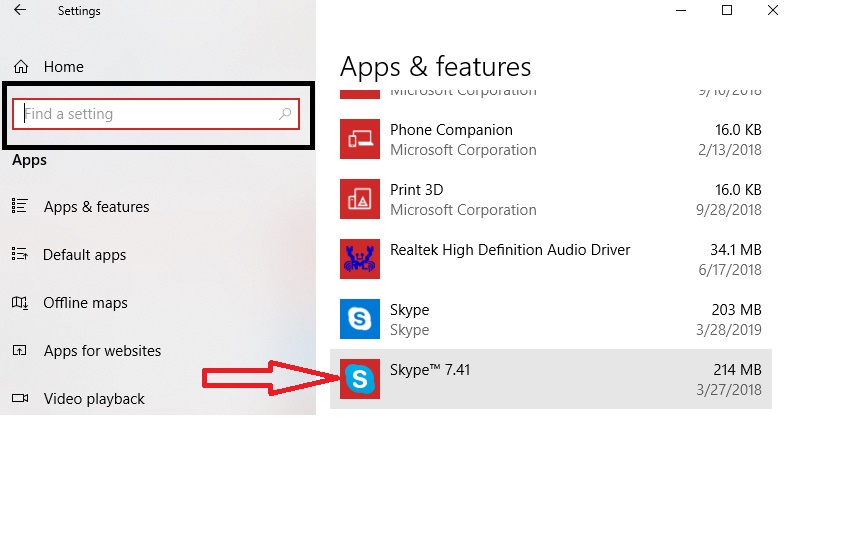
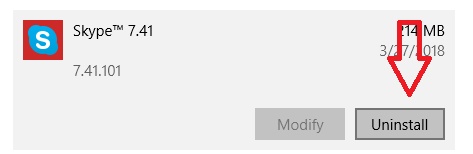
5. Click the program
6. Click UNINSTALL
For any type of I.T. concern and for a quotation, talk to our Professionals by Calling US at (412) 990-1414 or shoot us an Email at [email protected] and we promise to only give you a quality and cost-efficient work.